Mozilla changed the way file downloads work in private windows.
In previous versions, files downloaded from private windows were automatically deleted. Starting with Firefox 143, files are kept.
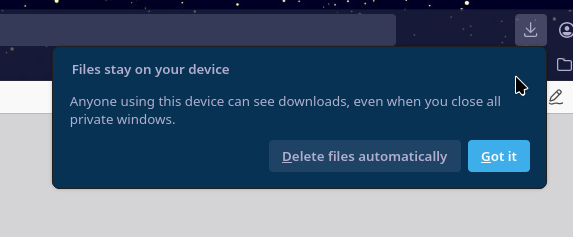
When you download a file in a private window, a pop-up window asks if you want to automatically delete those files.
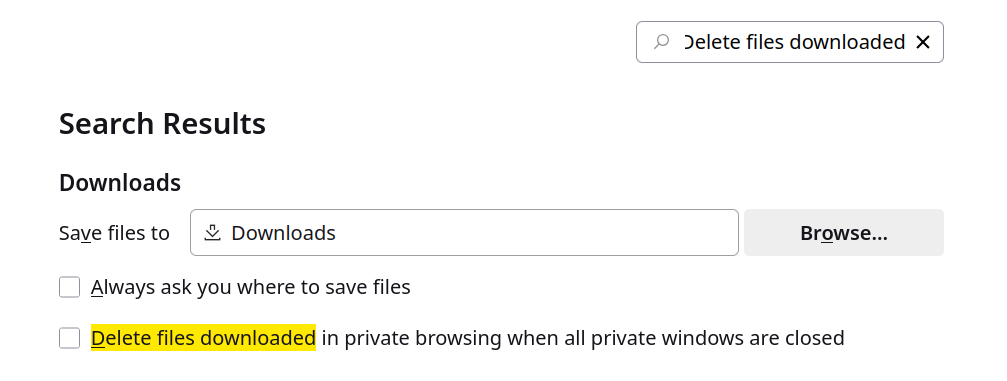
You can also change the setting by searching for “Delete files downloaded” in Firefox Preferences and checking the box.
Automatic deletion was designed to protect your privacy and keep your Downloads folder clean. The goal was to make sure files you downloaded during a private browsing session didn’t stick around, and to prevent temporary files from piling up. Previously, the main focus was on keeping your information private, even if it sometimes confused why files were disappearing.